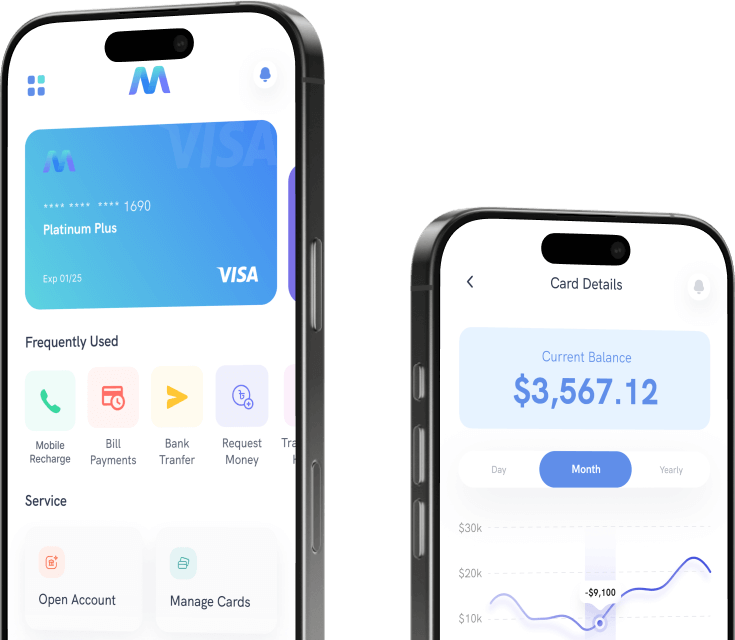

Automated invoicing eliminates repetitive administrative tasks, allowing high-end consultants to focus on client work and billable hours, reducing payment cycles by up to 60%.
Step 1 Eliminate Manual Data Entry
High-end consultants often juggle multiple projects with varying rates, retainer structures, and expense categories. Manual data entry introduces errors—incorrect hourly totals, missed line items, or duplicate entries—that lead to billing disputes and rework. Automated invoicing software pulls time logs, project codes, and pre-set rates directly from integrated tools like Toggl, Harvest, or custom CRM fields. A single click populates the invoice with accurate figures, removing the need to cross-check spreadsheets. Industry data shows that consultants save an average of 12 hours per month by eliminating keystroke errors and reconciliation checks.
Step 2 Streamline Invoice Generation Templates
Instead of building each invoice from scratch, automated systems store client-specific templates that include branding, payment terms, and preferred line-item structures. For a high-end consultant who invoices weekly or bi-weekly, template deployment cuts creation time by 80%. The system auto-fills client contact details, project descriptions, and your unique service codes. You can batch-generate all recurring invoices for the month in less than 5 minutes. This consistency also reinforces professionalism—no misplaced logos or inconsistent formatting that erodes client confidence.
Step 3 Automate Payment Reminder Sequences
High-end consultants often struggle with slow-paying clients because manual follow-up feels awkward and consumes valuable hours. Automated invoicing platforms send tiered reminders: a soft notice three days before the due date, a polite reminder on the due date, and progressively firmer messages after one week of delay. You set the intervals and tone once; the system runs the sequence untouched. Research from growth-stage advisory firms indicates that automated reminders reduce average days outstanding from 45 to 22. That reclaimed time directly translates to cash flow predictability and fewer awkward conversations.
Step 4 Integrate Expense Tracking Seamlessly
Consultants frequently incur travel, software subscription, and client entertainment costs that must be itemized on invoices. Manual expense aggregation requires saving receipts, transferring data to spreadsheets, and retyping amounts. Automated invoicing links directly to credit card feeds, receipt scanning apps (e.g., Expensify, Receipt Bank), and mileage loggers. Expenses are categorized and attached to the correct client project automatically. One partner at a boutique consulting firm reported cutting reconciliation time by 90% after syncing his corporate card—the system populated line items without touching a keyboard.
Step 5 Monitor Real Time Payment Statuses
Without automation, a consultant must log into a bank portal or check a ledger to see which invoices have been paid, which are overdue, and which are still pending. Automated invoicing provides a live dashboard showing invoice health: paid, sent, viewed, overdue. You can resend a reminder or apply a late fee with two clicks. Many platforms also offer automated reconciliation—once payment hits your bank account, the invoice status changes automatically. This visibility eliminates the mental overhead of tracking receivables, freeing up cognitive energy for high-value strategy work.
| Automation Feature | Time Saved (Hours/Month) | Impact on High-End Consultant |
|---|---|---|
| Manual data entry elimination | 12–15 | Error reduction, no rework |
| Template-based invoice generation | 8–10 | Faster creation, brand consistency |
| Payment reminder sequences | 6–8 | Faster cash collection, no awkward calls |
| Expense tracking integration | 4–6 | Reduced reconciliation effort |
| Real-time payment dashboard | 3–4 | Eliminated manual status checks |
Ready to Accelerate Your Digital Growth Strategy?
Partner with an industry-leading digital agency to upscale your infrastructure today.